I am excited! I have been using Obsidian very intensely in my master’s degree and was already very into it back then. But I used it strictly for my thesis and nothing else. All my personal notes were spread across many places like Notion, physical notebooks and lists, my phone’s note app, my personal Signal chat, etc. It was a mess.
I tried many things over the years and nothing really sticked with me. But to be honest, notetaking in the 21. century is a tricky problem to solve! You encounter input, thoughts, inspiration both in the analog world as well as in the digital, like in a book, in a conversation with a friend, a podcast, a poster, a website, a video, etc.
Now I think that with Obsidian I managed to find a good solution. Since a couple weeks, I am transitioning from my old mess into using Obsidian as one central place for my knowledge and notes and so far it has been great! With this little post, I will explain why I am so excited.
Content
My thought process#
Here is roughly how I want my thought process to be:
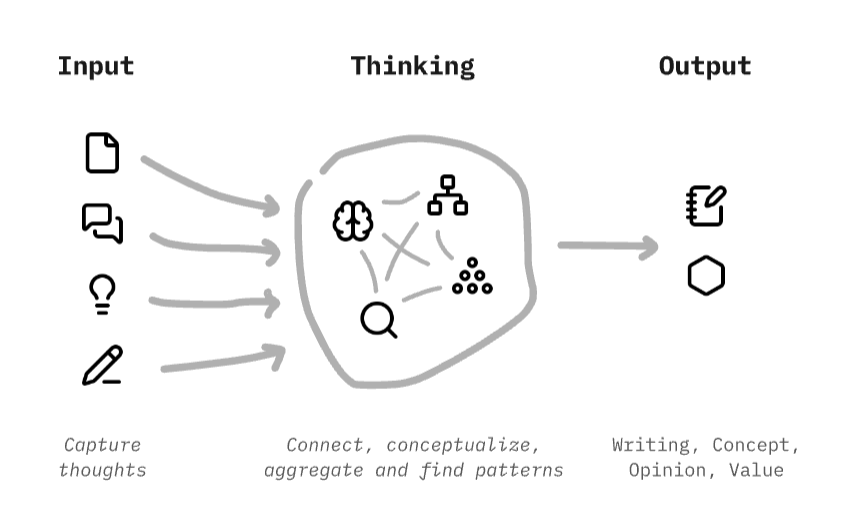
At least with my brain, I am constantly chewing on some thoughts, reading, listening or watching some things and get new impulses and thoughts. For me, this is the input part of my notetaking workflow. Usually I want to quickly capture this and then move on with the thing I have been doing. Then as the next thing, comes is the thinking part. This involves connecting ideas, creating concepts or giving names to certain things, structuring knowledge, identifying patterns or creating lists and zooming out. My brain does this subconsciously all the time and especially when I talk to someone about a topic, it is putting my thoughts and values into words and clear ideas. But I realized that it can be beneficial to put this thinking process into writing. A place where thoughts can live, be connected in a network and I can rearrange them as I learn. And third is the output. This can be something that is written, a clear opinion, new-found values, goals or strong factual knowledge.
To make it very clear, I want a process, that…
- allows me to ingest thoughts that I encounter anywhere
- has all the thoughts and knowledge in one place
- allows me great freedom in the structure and network of the knowledge
Why not Notion?#
Notion is a great piece of software. I am really impressed how they created a software product that revolutionized notetaking / productivity / knowledge apps and spawned a whole array of immitators that try to recreate Notion’s formula. Even Microsoft is copying it with their “Loop”. I am especially impressed how Notion is still approachable for normal people who just want to create a shopping list, while it allows teams and experts to have complex data structures and automations, reaching into Excel territory. If you do not know Notion, you can have simple documents, link them like a network and arrange them in databases and much much more. It is very flexible.
However, there are a couple things about Notion, that are bugging me or are against my values. Here a couple of them:
- Notions owns and stores my data. Being located in USA, also the US government has access to all of it. Very bad!
- I have limited digital sovereignty about it. I can manually export my data to different formats such as PDF, HTML or Markdown. This is something, but I need to trust that I will be able to do this in the future. Also, some of Notion’s features do not map well in HTML or Markdown and are hard to transfer to other programs.
- They probably analyze and sell my data.
- Working in Notion is not possible offline, at least not by default . No internet? Bad luck.
- Using Notion is slow. When I open it or change pages, I have loading buffers all the time.
- Notion has no open plugin or extension ecosystem. If I have a specific need, I cannot rely crowd creativity to help me.
- Although this is rare, there have been incidents of Notion deleting whole workspaces or banning accounts without due process or proper support. This is a classic problem with big platforms.
Over the recent years, I have developed a clear stance on my digital life and still using a US-based software product that owns and holds my data does not fit anymore. Especially the things that I put in Notion allow to deduce a lot about me. Time for change!
A case for Obsidian#
Obsidian is in some ways quite similar to Notion. The smallest building block is a single Markdown document. Then you can link them very organically and create a network of knowledge. It is also possible to create canvas, a kind of whiteboard or mindmap to visually organize knowledge. And around one year ago, Obsidian also released Bases , a type of database that allows to aggregate many notes and filter and view them differently. In my opinion, with the recent feature releases, Obsidian reached feature parity compared to Notion when it comes to the biggest things.
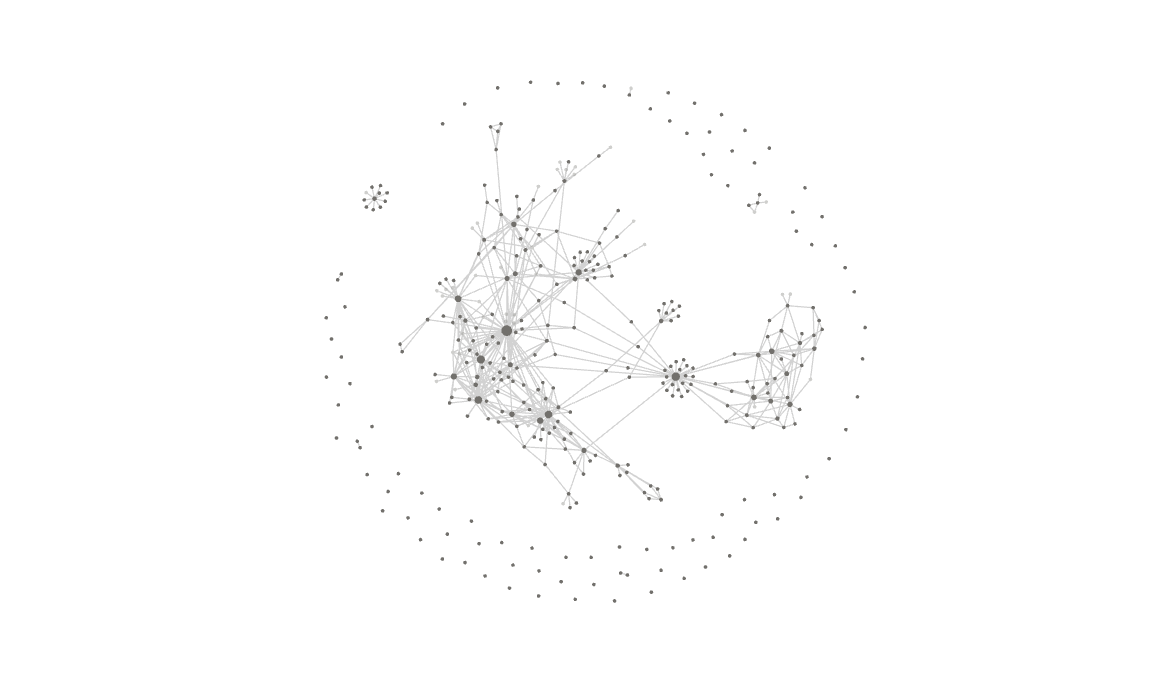
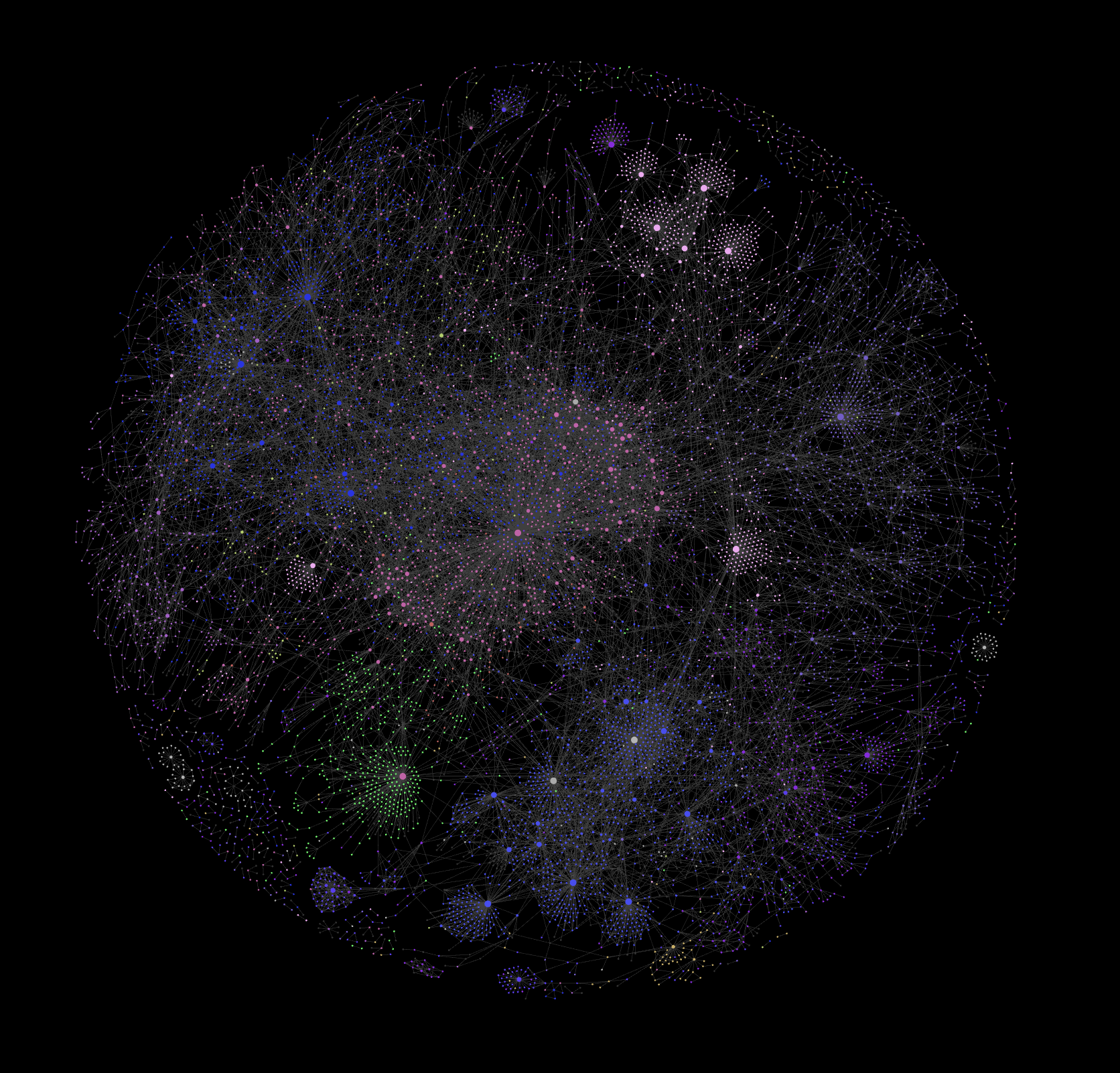
This is the knowledge graph of my Obsidian vault that I used for my master thesis. Needless to say, it is very satisfying to see your knowledge visually represented like this.
Besides this nice graph and the many things that are similar to Notion, here are the main reasons why I really believe I will stick with Obsidian for the coming years:
Local-first and offline#
Obsidian is no web application, no software as a service, there is no hosting, no backend, nothing. Obsidian is simply a desktop app that opens local markdown files on your machine. Nothing more. This simple architecture fixes the most gripes I have with Notion:
- You own and have everything. No one else is in the loop
- Therefore none of your data is being analyzed or sold (given you do not put it in Google Drive or comparable)
- You can fully work offline
- The loading times are super fast
A thriving ecosystem#
There is a thriving ecosystem of plugins and themes that allow you to tailor Obsidian to every kind of aesthetic or use-case. It is crazy how deep you can alter the default experience. Just head over to the Obsidian subreddit to see some of the crazy things people are doing with it. Here are a couple examples that I collected:
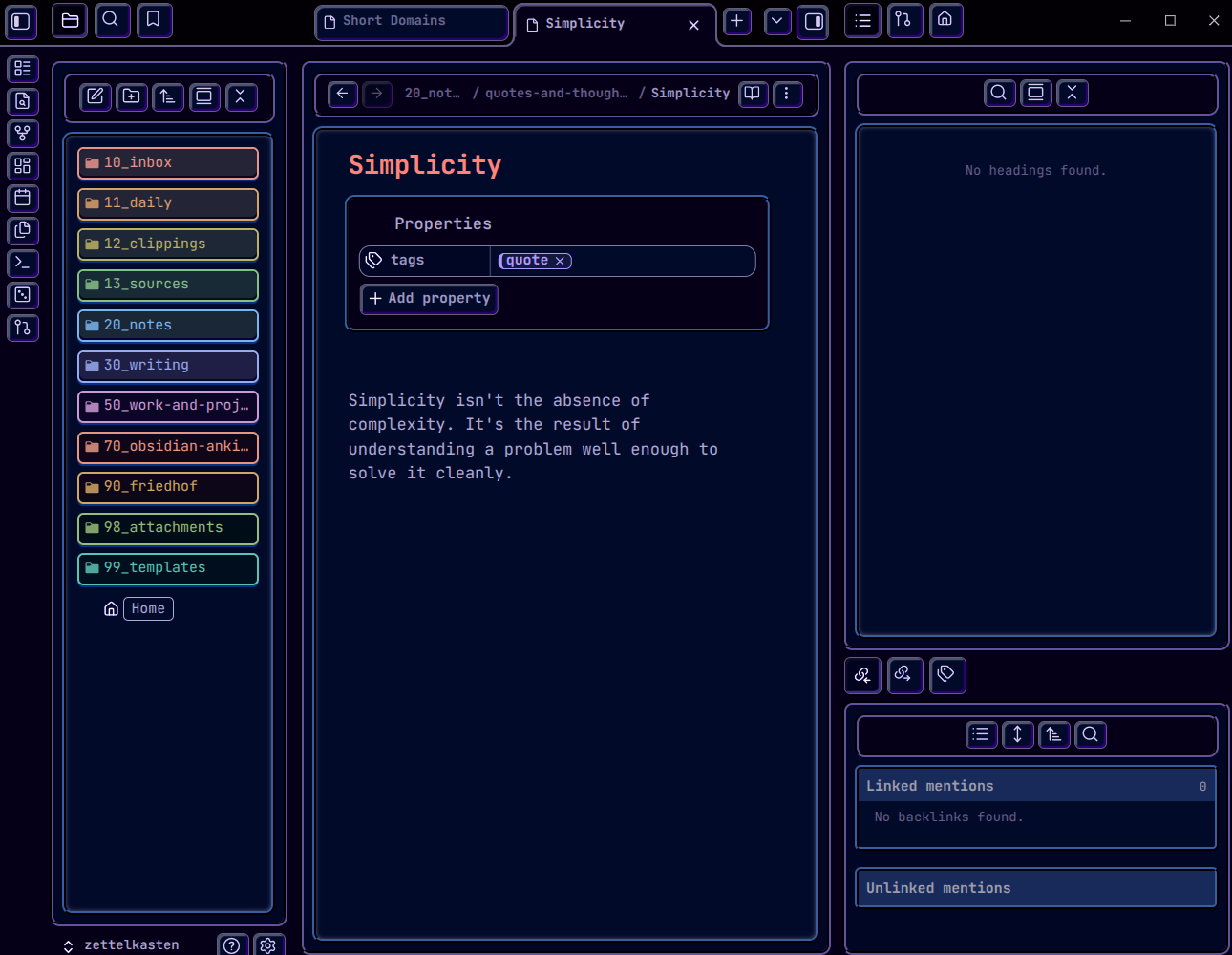
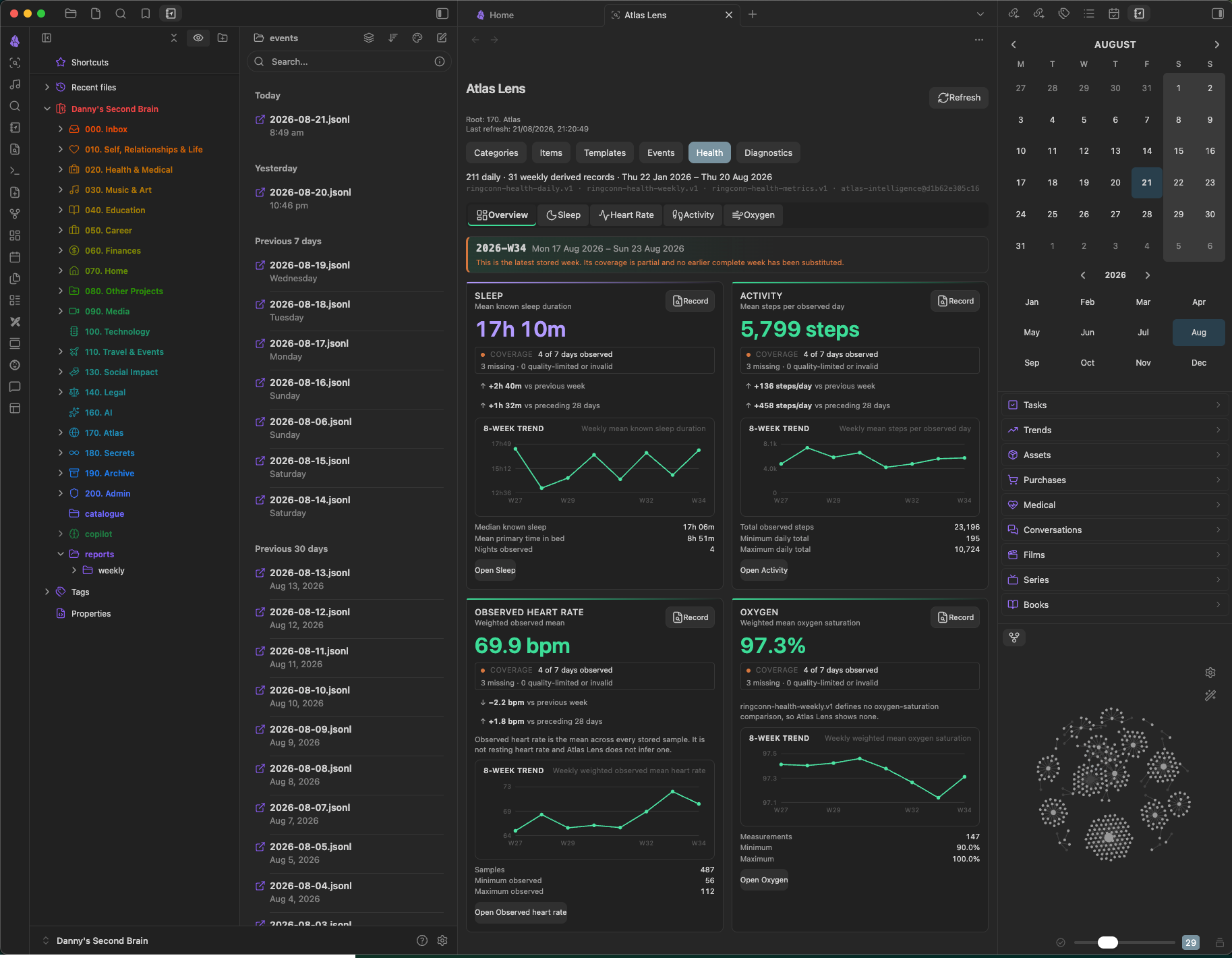
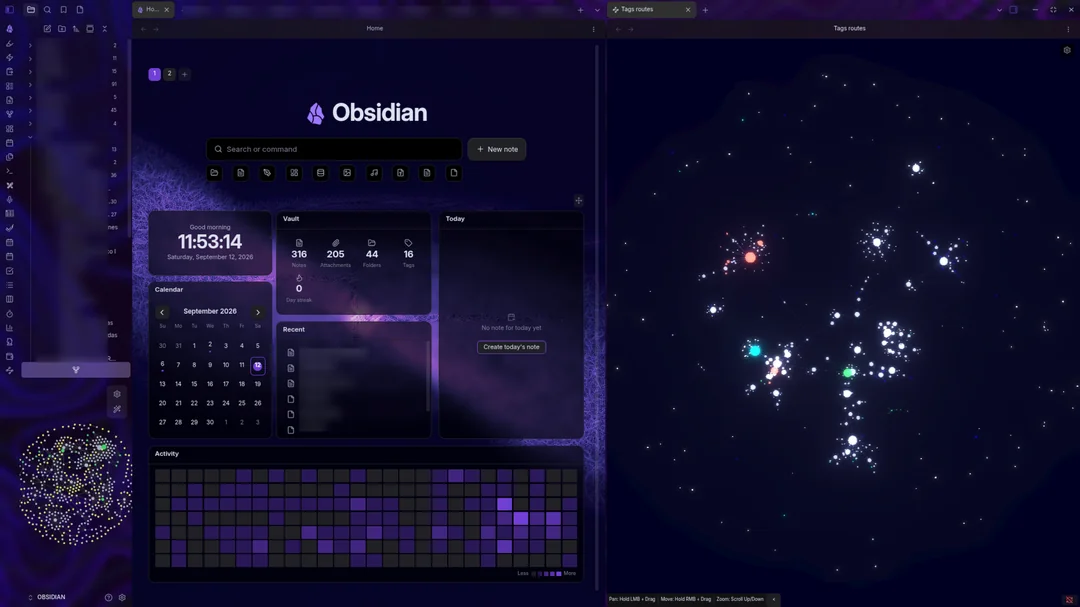
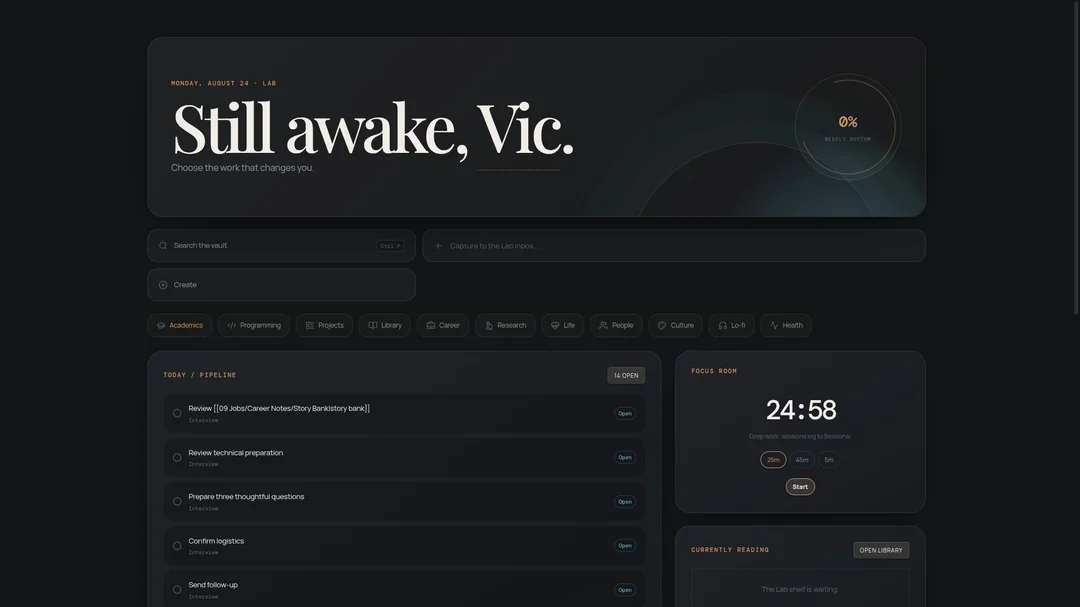
For me, I do not take it to such extremes, but I love how most times someone already coded the thing that I have been missing.
Vaults are self-contained#
One more thing I really like is that Obsidian organizes everything in vaults. One vault is basically one folder, were all files live in, like the Markdown files with all your work. But not only this, also all the settings, hotkeys, plugins and themes are stored as simple files inside a hidden folder in each vault. That means, when you copy over the vault folder to a new machine, you have everything you need. New laptop? You are good to go and everything is like it used to. Theme, hotkeys and plugins are all there. This simplicity is just a powerful thing. One folder and you are good to go.
Here is a simplified folder structure of my current vault:
./
../
.git/                   # I track my files using git. Here are the git settings
.obsidian/              # This is where obsidian stores settings, plugins, etc.
10_inbox/               # folder to organize input notes
├── example.md
└── quick-thought.md
20_notes/               # folder to organize thought notes
└── concept-note.md
30_writing/             # folder to organize writing notes
└── script.md
98_attachments/         # folder for all attachments
99_templates/           # folder for all obsidian templates
Home.md                 # The home file with links to all important things
Markdown is future-proof#
This is probably one of the strongest benefits of using Obsidian. When using Obsidian, you are using Markdown. And Markdown is a powerful and widely adopted standard for storing information. It is like PDF or JPG, but just for information. Everything is a simple textfile with some commands that tell what is a heading and what is a list or link. It strikes a nice balance of still being readable and easy to use, while offering many options for depper use-cases.
The vault being basically just a colleciton of markdown files means that this is very future proof. Even if the team behind Obsidian will derail or be corrupted, I can just take my files to any other markdown compatible program. Markdown is so widely adopted and popular, that for the foreseeable future, there will always be software, adaptors and things reading it. I could use an alternative to Obsidian like Zettlr or just a text editor like VS Code (especially with good Markdown extensions). Nowadays, even apps like Google Docs accepts Markdown, so it is a very future-proof format and you can just put it in many other apps.
Markdown being plain text files also means they can be read by absolutely everything. No paywalled software needed, no binaries, not compression, no database, just pure text. Every OS can handle this. You can open them in any software, you can interact with the files in the terminal, you can have a script running daily and interacting with one markdown file or with the vault settings. This is incredibly powerful. In my case I track my vault in git. This means I can travel back in time and get anything in the past, without relying on some premium feature from another software.
And also a benefit for me: As I really like Hugo , which is also based on Markdown, I can just copy paste content from one to the other with almost no friction. This is ideal! I write a post like this in Obsidian, and then just paste it over and it just works.
Great methods of ingestion#
One thing that is also important for me is that the threshold for putting something into Obsidian is as low as possible. Also here Obsidian shines: It comes with a great browser extension, the Web Clipper
. Like Obsidian itself, it is really well made pice of software. It allows you to capture whole websites with their content into your vault as Markdown, either as an own note or appending content to existing files. With the usual level of customizability, this allows for very powerful workflows. In my case, I either capture whole articles to be read later into one of my inbox folders. Or I have another preset for the clipper that adds a page just as a bookmark with some tags into a bookmarks.md file.
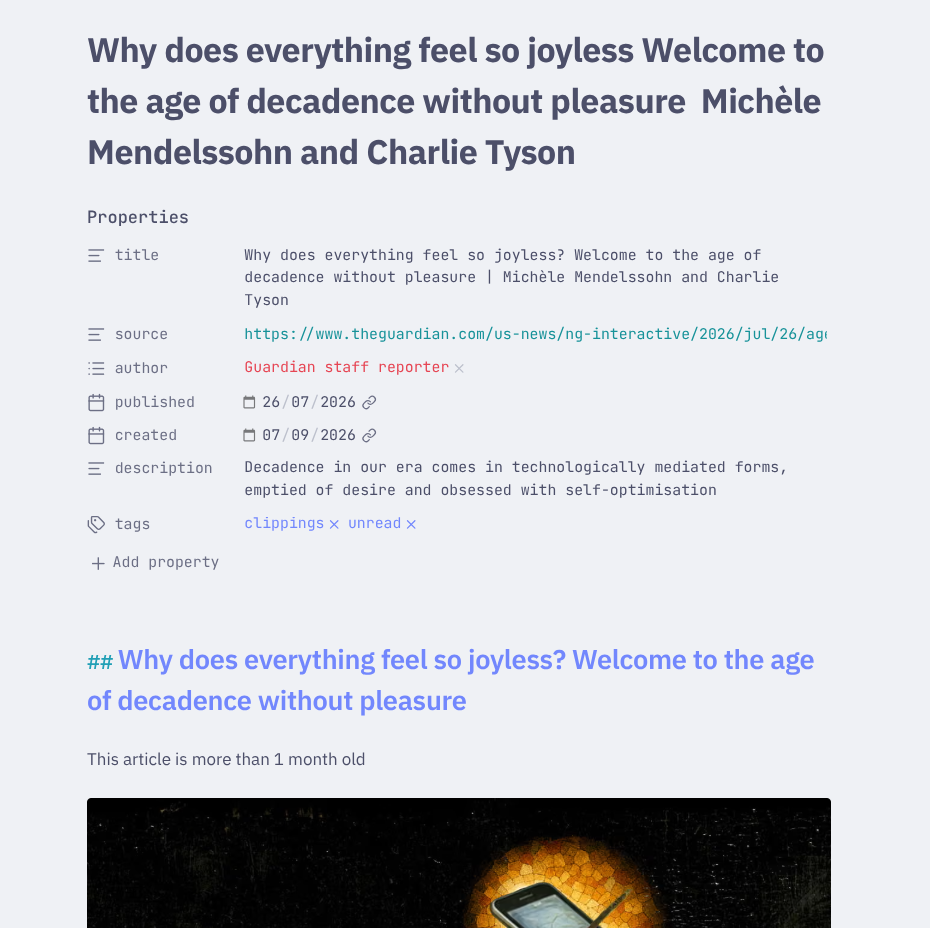
This is one article I saved into Obsidian using the Web Clipper.
Another thing that works well for me is the Obsidian app. I mirror the vault onto my phone using Syncthing and install the Obsidian mobile app to open my vault there. Then I use a widget on my home screen that creates a new file in my inbox folder. This way when I am out and about, I can quickly jot down notes and thoughts without any internet required or long loading times.
You take care of the files#
One thing that might scare some people: If Obsidian just opens local files, you are the one in charge of taking care of them. If you have no backups or cloud in place, a wrong move in the file explorer or a broken hard drive might delete everything. That is scary.
But as everything is just a file, you can just move your vault into a Nextcloud or copy it over to a external hard drive every now and then. Or over-engineer it like me and track it with git! For me, taking care of this is a very small price to pay for all the benefits.
And if this is nothing for you, you can let the syncing and backup be done by Obsidian for 5€ per month .
Conclusion#
I am really happy about this. Still using Notion has been a thorn in my flesh for a while and it feels great to also take this digital part of me off the big tech companies. I basically lose no functionality but gain agency, sovereignty and ownership. It feels great. And it is a big plus that I can plug the content from Obsidian straight into Hugo and publish it here :)